
Queue several jobs clearly
Build a batch queue for multiple media tasks and keep the whole session organized in one app.
Need Keep helps you process several media tasks in one cleaner desktop workflow. Queue conversions, audio exports, subtitle files, and larger batches without rebuilding the same setup every time.
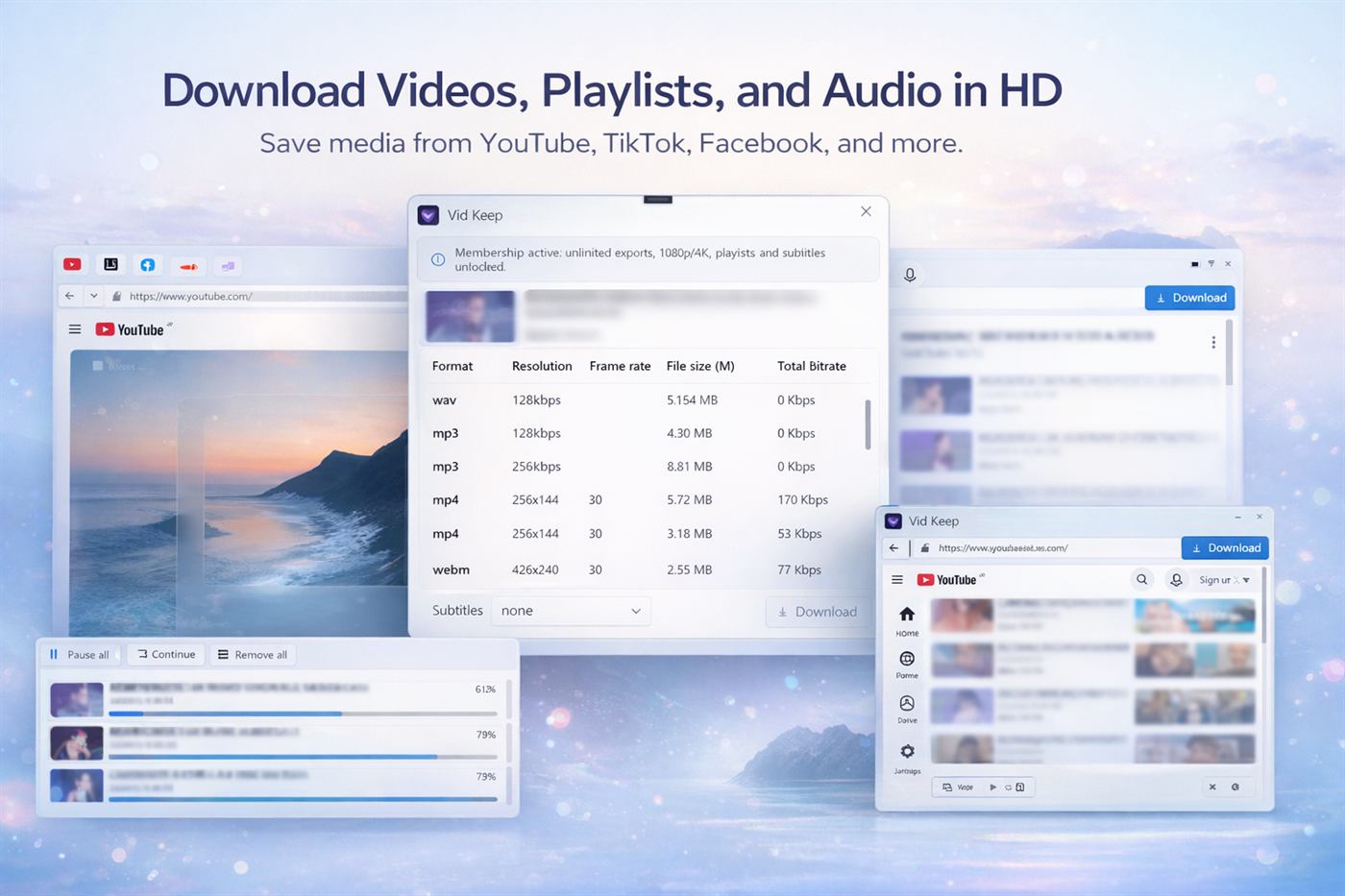
Build a batch queue for multiple media tasks and keep the whole session organized in one app.
Set the formats, quality levels, and subtitle options you need before export begins.
Keep batch processing inside one desktop workspace instead of repeating the same steps for every file.
Bring the media you want to process into Need Keep.
Check video, audio, and subtitle options before you export.
Choose the format and quality that match the batch job.
Run several media tasks in one organized desktop queue.
Need Keep gives you queue management, format control, audio extraction, and subtitle handling in one desktop workflow.