
Convert more than one format
Handle video conversion, audio extraction, subtitle export, and batch output without juggling separate utilities.
Need Keep helps you convert video, extract audio, keep subtitle files organized, and batch media exports inside one local desktop app. Review output options before you start and keep the full workflow in one place.
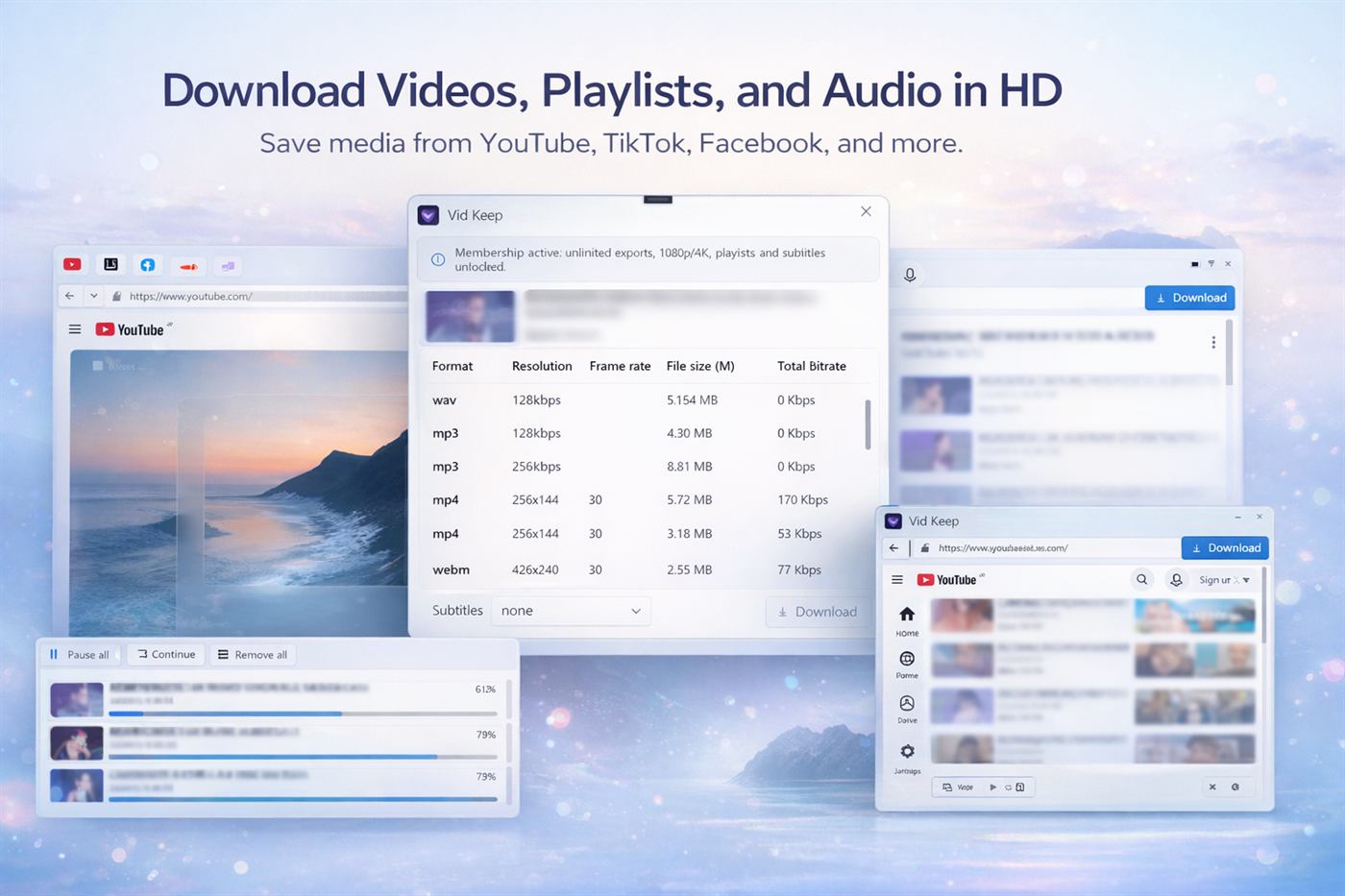
Handle video conversion, audio extraction, subtitle export, and batch output without juggling separate utilities.
Review resolution, format, and available tracks first so the final output matches the job.
Instead of hopping between tools, keep source loading, output settings, and export progress together.
Open the media you want to process inside Need Keep.
Review the tracks and output options that fit your workflow.
Pick the export settings before the job starts.
Run a single job or batch several conversions together.
Need Keep is built for local media processing, not for pushing you through multiple browser extensions and separate utilities.
Keep format selection, subtitle handling, and audio extraction visible before export starts.
When you need more than one file, queue several jobs and keep them organized in one place.
Need Keep helps you manage video conversion, audio extraction, subtitle export, and batch processing from one desktop app.